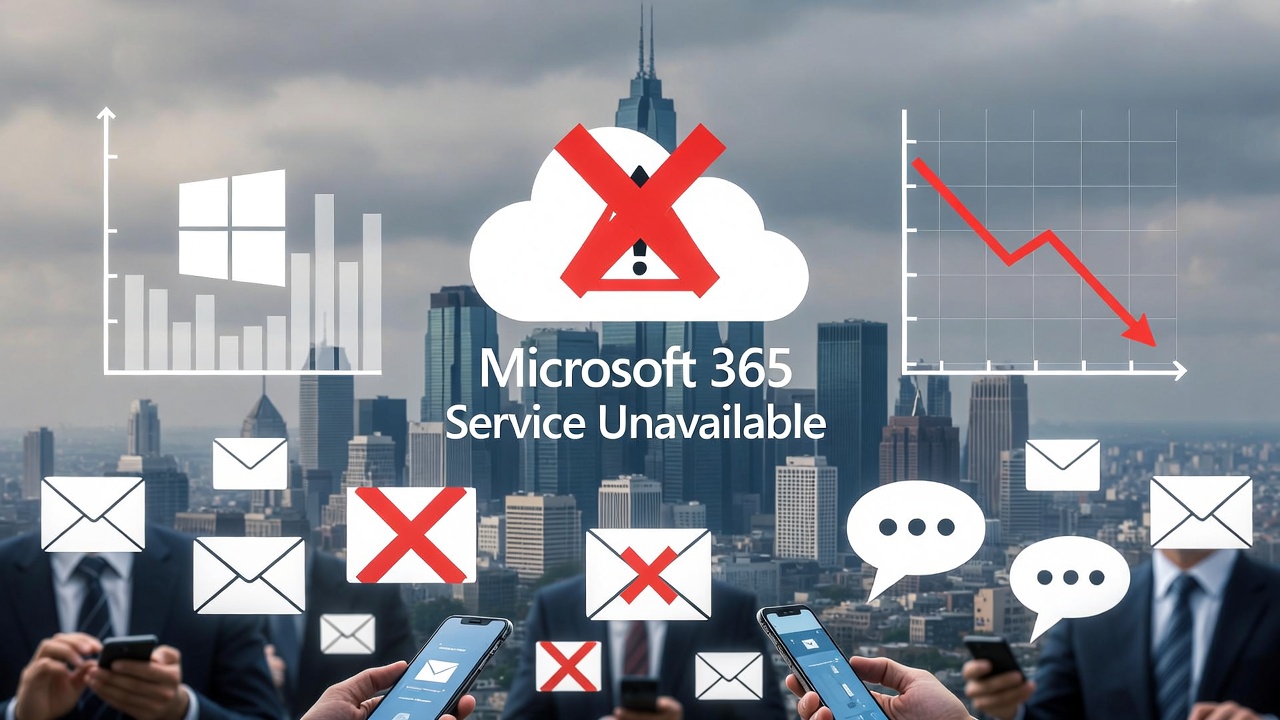
At US 365 Cloud Consulting, we specialize in helping businesses optimize their cloud environments for reliability, security, and efficiency. Microsoft 365 has become the backbone of modern productivity for millions of organizations, powering email, collaboration, and data storage. However, even robust platforms like this aren’t immune to disruptions. In January 2026, a series of outages highlighted the vulnerabilities in cloud infrastructure, affecting everything from email access to team communications. In this blog, we’ll break down the most recent incidents, explain how they occurred, and detail practical remediations that allowed users to keep working. Our goal is to equip you with the knowledge to build resilience into your operations.
Overview of the Most Recent Microsoft 365 Outages
January 2026 was a challenging month for Microsoft 365 users, marked by four major outages that disrupted services worldwide. These incidents varied in scope but collectively impacted millions, leading to lost productivity, communication blackouts, and frustration across industries.
The most significant event was the January 22 outage, which began around 2:37 PM ET and lasted over nine hours for many, with full resolution not achieved until 1:29 PM ET on January 23—spanning nearly 24 hours in total. This widespread disruption affected core services including Outlook, Teams, Exchange Online, SharePoint, OneDrive, Microsoft Defender, Microsoft Purview, and the Microsoft 365 Admin Center. Over 16,000 reports flooded Downdetector at its peak, with more than 30,000 users impacted, particularly in North America. Businesses reported inability to send or receive emails, start new chats or meetings in Teams, search in SharePoint, or access files in OneDrive.
Other notable outages in January included:
- January 21: A shorter disruption affecting access to Microsoft 365 services, primarily in North America.
- January 15: Issues with Microsoft Copilot, impacting users across the region.
- Early January (January 10-11): Disruptions stemming from Azure infrastructure problems in the West US 2 region, affecting services like Azure Cache for Redis, Cosmos DB, and SQL Database, which indirectly influenced Microsoft 365 workflows.
These events followed a pattern seen in late 2025, such as the October 29 Azure outage, but the January cluster underscored ongoing challenges in cloud reliability.
How These Outages Happened
Understanding the root causes is key to preventing or mitigating future issues. Microsoft provided updates via its Service Health Dashboard and status pages, revealing a mix of infrastructure, configuration, and external factors.
For the January 22 outage, the primary trigger was an elevated service load combined with reduced capacity during scheduled maintenance on a subset of North American-hosted infrastructure. Essentially, primary email servers were taken offline for upkeep, forcing traffic to redirect to backup systems. However, these backups lacked the capacity to handle the normal volume, leading to a catastrophic overload. Attempts to fix this—such as rebalancing traffic through configuration changes—introduced additional imbalances, creating a “digital traffic jam” that prolonged the disruption. Microsoft described it as a portion of service infrastructure not processing traffic as expected, with cascading failures in interconnected components like authentication, load balancing (at Layer 4 and Layer 7), storage, and network routing.
The January 21 incident was attributed to a third-party networking issue, such as an ISP disruption, while Microsoft’s internal environment remained healthy. This highlights how external dependencies can cripple even well-architected systems.
On January 15, a simple configuration change to the Copilot service caused the outage, which was quickly reverted but still disrupted operations for about an hour.
The early January event (January 10-11) stemmed from a power interruption in a single Azure Availability Zone (AZ01) in West US 2. This affected compute and storage services, leading to residual impacts on virtual machines and related Microsoft 365 functionalities.
A common thread across these outages is centralized dependencies, particularly in the Control Plane (which manages traffic and authentication). While the Data Plane often has redundancies, failures in control mechanisms create single points of vulnerability. Inadequate capacity planning, untested redundancy, and the sheer scale of user traffic exacerbated these problems. Microsoft has committed to improving alerting, standard operating procedures, and escalation workflows to reduce future mitigation times.
Staying Productive: Specific Remediations and Workarounds
During outages, the key is to have pre-planned alternatives that minimize downtime. Users and IT teams employed several strategies during the January incidents to maintain workflow. Here’s a detailed look at effective remediations, drawn from real-world responses.
Immediate Diagnostic Steps
- Scope the Issue: First, determine if the problem is isolated (e.g., one user or department) or widespread. Check if Outlook on the web (OWA) exhibits the same errors as the desktop client. Verify authentication across Microsoft 365 services and look for delivery delays or transport errors.
- Monitor Official Channels: Access the Microsoft 365 Admin Center’s Service Health section for incident IDs (e.g., MO1221364 for January 22) and updates. Record symptoms like start times, affected services, error messages (e.g., “451 4.3.2 temporary server issue”), and actions taken.
- Avoid Unnecessary Actions: Do not reboot devices or rebuild endpoints unless confirmed as a local fault—server-side issues won’t resolve this way and can overwhelm IT support.
Alternative Access Methods
- Switch to Web or Mobile Apps: Many users turned to Outlook Web App (OWA) via a browser, which often remained functional even when desktop clients failed. Mobile versions of Outlook and Teams on iOS or Android provided access to emails, chats, and files without relying on the affected desktop infrastructure.
- Offline Modes in Desktop Clients: Tools like Mailbird or similar desktop email clients with local storage allowed users to access cached email history, contacts, and calendars offline. Compose drafts, review messages, and reference attachments without cloud sync.
- Multi-Provider Switching: For organizations using unified inboxes (e.g., via IMAP/POP3 protocols), switch to alternative email providers like Gmail or Yahoo Mail to continue communications. This avoids single-provider lock-in.
Email Continuity Solutions
- Mail Queuing and Spooling: Implement email gateways (e.g., Mimecast or Spambrella’s Continuity Service) that queue inbound messages during outages. These hold emails for up to 30 days and provide emergency inboxes or web portals for access. Outbound emails can be routed through secondary servers.
- Hybrid Approaches: Use local computing alongside cloud services. For instance, store critical PST files locally (avoiding OneDrive sync conflicts noted in related January 13 Windows update issues) or export data for offline use.
- Approved Backup Channels: Pre-define secure alternatives like SMS, phone trees, or enterprise-approved apps (e.g., Slack or Zoom) for urgent coordination. Avoid unsecured personal tools like WhatsApp or personal Gmail to prevent data risks.
Post-Outage Recovery
- Clear Caches and Adjust Settings: For residual issues, clear local browser or app caches, or temporarily lower DNS TTL values to refresh connections faster.
- Security and Protocol Updates: Transition to OAuth 2.0 for authentication (replacing deprecated Basic Authentication) to enhance security without relying on vulnerable email-based recovery.
- Incident Response Drills: Conduct tabletop exercises quarterly to test plans, including non-email communication templates and escalation paths.
These remediations helped many businesses during January’s outages. For example, financial firms maintained client communications via mobile apps, while others used queued emails to catch up post-recovery, minimizing revenue loss.
Lessons Learned and Best Practices for Resilience
These outages reinforce that cloud services, while powerful, require proactive planning. Key takeaways:
- Diversify Dependencies: Avoid over-reliance on a single provider; incorporate multi-layer redundancy, such as secondary email servers and hybrid local-cloud setups.
- Build Robust Plans: Develop a one-page outage runbook with triage steps, owners, communication templates, and continuity rules. Partner with a Managed Service Provider (MSP) for real-time monitoring and alerts.
- Enhance Security: Treat outages as high-risk periods—enforce policies against using personal accounts for sensitive data. Maintain threat protection like spam filtering and phishing detection independently.
- Test and Review: Regularly validate readiness through simulations and post-incident reviews to refine processes.
At US 365 Cloud Consulting, we help clients implement these strategies, from continuity services to custom monitoring, ensuring your business stays operational no matter what.
Conclusion
The January 2026 Microsoft 365 outages serve as a reminder of the fragility behind seamless cloud experiences. By understanding the causes—infrastructure overloads, configuration errors, and external disruptions—and applying targeted remediations like web apps, offline access, and continuity tools, organizations can weather these storms. If your team needs assistance fortifying your Microsoft 365 setup, reach out to US 365 Cloud Consulting today. We’re here to turn potential disruptions into opportunities for stronger systems.
References
- https://www.spambrella.com/microsoft-365-outage-in-january-2026-what-happened-and-how-to-reduce-email-risk
- https://www.crn.com/news/cloud/2026/microsoft-365-nine-hour-plus-outage-5-things-to-know
- https://www.tomsguide.com/computing/microsoft-365-more-like-microsoft-364-why-yesterdays-outage-proves-these-companies-dont-yet-have-a-backup-plan-for-the-internet
- https://mashable.com/article/microsoft-365-outage-cause-revealed-what-we-know
- https://www.getmailbird.com/microsoft-365-email-outages-business-protection
- https://support.microsoft.com/en-us/office/classic-outlook-profiles-with-pop-accounts-and-psts-hang-after-windows-updates-on-january-13-2026-590fe356-ecc2-49f4-b9e3-bd39fafa58f6
- https://windowsforum.com/threads/microsoft-365-outage-jan-21-2026-third-party-isp-disruption-explained.398080
- https://www.devfuzion.com/microsoft-365-service-outage-what-happened-and-what-to-know
- https://www.messageware.com/microsoft-365s-january-2026-outage-crisis
- https://learn.microsoft.com/en-us/office365/servicedescriptions/office-365-platform-service-description/service-health-and-continuity
- https://azure.status.microsoft/en-us/status/history
- https://www.cnet.com/tech/is-microsoft-down-outlook-and-teams-go-dark-in-widespread-outage
- https://cmitsolutions.com/lasvegas-nv-1206/blog/microsoft-365-outage-outlook-teams-january-2026
- https://techcrunch.com/2026/01/22/microsoft-365-hit-by-outage-preventing-access-to-emails-and-files
- https://www.tomsguide.com/news/live/microsoft-down-live-updates-outage-jan-22-26
- https://www.impresscomputers.com/2026/01/23/microsoft-365-email-outage-resolved-what-happened-and-what-you-need-to-know
- https://nationalcioreview.com/articles-insights/extra-bytes/microsoft-restores-365-services-after-hours-of-disruption
- https://www.linkedin.com/posts/deanjones2_microsoft-restores-365-services-after-hours-of-disruption-activity-7420244407347634176-fC-J
- https://cybernews.com/news/microsoft-365-outage-teams-outlook-defender
- https://baychester.com/microsoft-office-365-outage-what-we-know
- https://windowsforum.com/threads/microsoft-365-outage-january-2026-regional-north-america-impact-and-traffic-rebalance.398280
- https://www.newsweek.com/microsoft-down-office-365-outage-today-status-issue-11403718
- https://learn.microsoft.com/en-us/answers/questions/5730590/outlook-in-365-is-not-working-after-update-on-1-20
Leave a Reply