Recently, Microsoft announced the General Availability (GA) of the new Message Trace feature in Exchange Online, marking a significant shift from the legacy tools many admins have relied on for years. At US 365 Cloud Consulting, we’re here to break down what this means for your organization, highlight the improvements, and guide you on how to make the most of this update.The Deprecation of Legacy Message Trace Tools
Microsoft has officially deprecated the legacy Message Trace interface in the Exchange Admin Center (EAC) along with the associated PowerShell cmdlets, Get-MessageTrace and Get-MessageTraceDetail, as of September 1, 2025. Additionally, support for these legacy tools on the Reporting Webservice is set to end on March 18, 2026, following a delay from the originally planned February 28, 2026 date.
This deprecation signals the end of an era for the older tracing mechanisms, which have been foundational for troubleshooting email delivery issues, investigating spam, and monitoring mail flow. If your workflows still depend on these tools, it’s essential to have transitioned—continuing to use them could lead to disruptions in your administrative tasks.
What This Change Means for Your Organization
The shift away from legacy tools isn’t just a technical update; it impacts how IT teams manage email hygiene and compliance in Microsoft 365 environments. For organizations that haven’t fully migrated, this could mean:
- Potential Disruptions: Automated scripts or reports using the old cmdlets may fail now that deprecation has taken effect, potentially affecting monitoring dashboards, compliance audits, or incident response processes.
- Throttling Considerations: The new system introduces rate-based throttling to prevent misuse, limiting queries to a maximum of 100 requests per tenant within a 5-minute window for each of the new cmdlets (Get-MessageTraceV2 and Get-MessageTraceDetailV2). If your automation exceeds this, you’ll need to optimize it to stay under the threshold.
- Broader Ecosystem Effects: This change has been rolled out for worldwide (WW) environments. If you’re in GCC, GCC-High, DoD, or sovereign clouds, timelines for similar updates are to be provided in the second half of calendar year 2025. Additionally, Microsoft plans to integrate Message Trace with the Graph API, with a Public Preview tentatively slated for December 2025.
Overall, this deprecation encourages a move toward more modern, efficient tools, but it requires proactive planning to avoid operational hiccups.
Introducing the GA Version of Message Trace
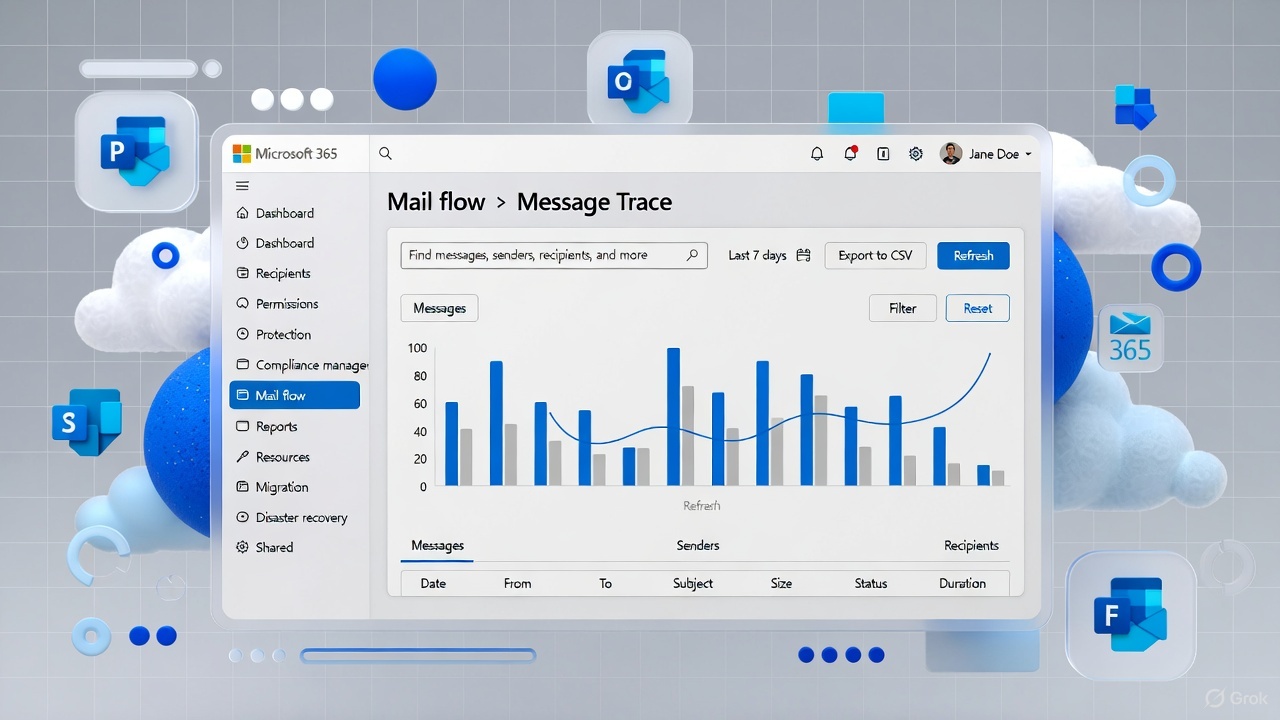
The new Message Trace, now in General Availability, is accessible directly in the Exchange Admin Center under Mail flow > Message Trace. The rollout began in mid-June 2025 and completed by July 2025, making it the default option for WW customers.
This updated version builds on feedback from the Public Preview phase, delivering feature parity with the legacy tools while introducing enhancements tailored to modern admin needs. Official documentation for the new cmdlets is available, ensuring admins have the resources to adapt quickly.
How the New Message Trace Works Better
Microsoft has focused on making the new Message Trace more user-friendly and performant, addressing pain points from the legacy system. Here’s how it improves upon the old version:
- Enhanced Design and Usability: The interface features a modern, intuitive layout that simplifies querying and viewing message details, reducing the time spent on troubleshooting.
- Improved Performance: Queries run faster and more reliably, even for large datasets, thanks to optimized backend processes.
- Feature Parity with Additions: It maintains all core functionalities of the old tools while incorporating customer-suggested improvements, such as better filtering and reporting options.
These upgrades mean admins can handle complex mail flow investigations more efficiently, ultimately boosting productivity and reducing downtime.
How to Opt Into the General Availability Version
Good news: The new Message Trace is enabled by default for eligible tenants following the rollout. No explicit opt-in is required—just head to the Exchange Admin Center and navigate to Mail flow > Message Trace to start using it.For a smooth transition:
- Migrate Your UI Workflows: Switch to the new EAC interface if you haven’t already to familiarize yourself with the changes.
- Update Automation: Replace legacy cmdlets with Get-MessageTraceV2 and Get-MessageTraceDetailV2 in your scripts, as the old ones are now deprecated.
- Handle Reporting Webservice: If you’re using this, plan your migration to the new PowerShell cmdlets before March 2026.
Microsoft encourages providing feedback directly in the EAC under “Give Feedback” to help refine the tool further.
Final Thoughts
The GA of the new Message Trace in Exchange Online represents Microsoft’s commitment to modernizing Microsoft 365 tools for better efficiency and user experience. While the deprecation of legacy features may have required some adjustments, the benefits in performance and design make it a worthwhile upgrade.
At US 365 Cloud Consulting, our experts are ready to assist with your migration, from assessing your current setups to implementing custom automations. If you need help navigating this change or optimizing your M365 environment, contact us today for a consultation. Let’s ensure your cloud operations stay seamless and secure!
Leave a Reply